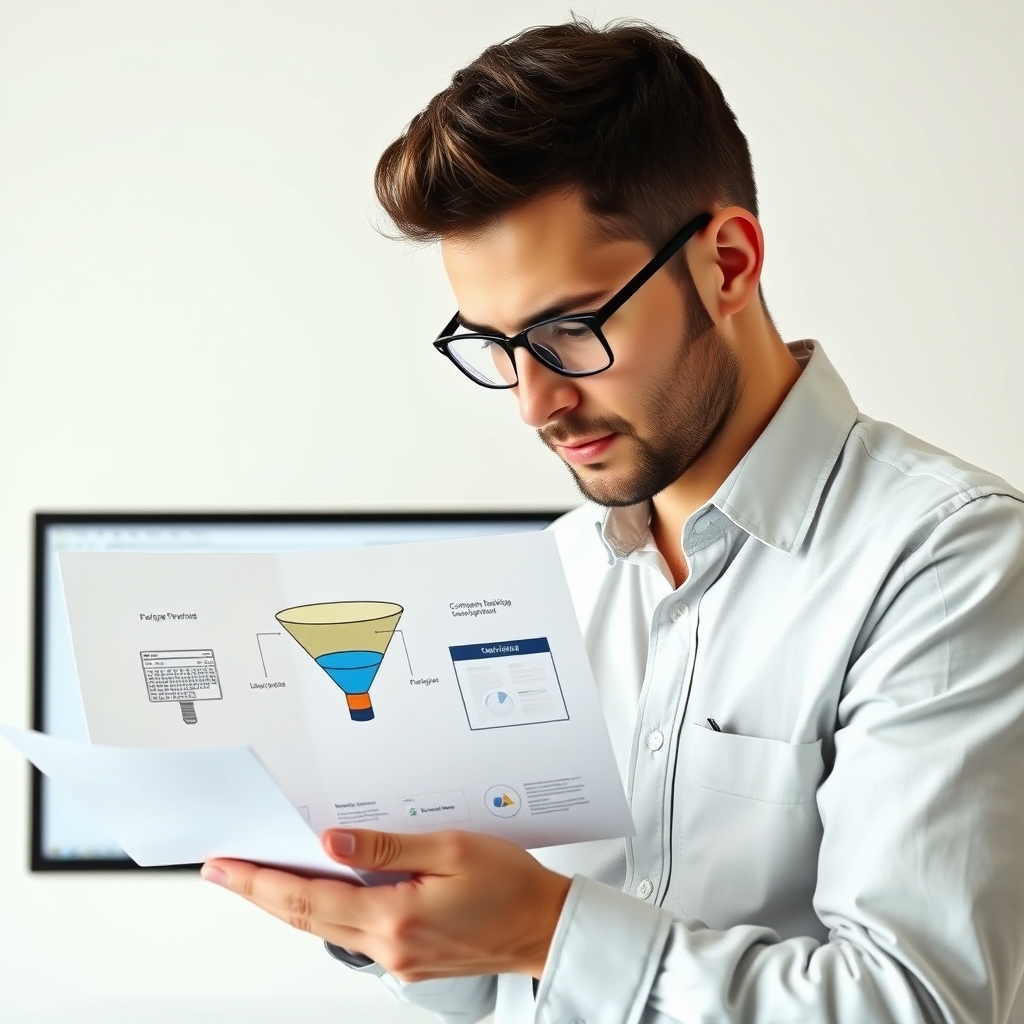
A website builder helps you create a general-purpose website with several pages, such as a home page, an about page, a blog and a contact page. A funnel builder helps you create a short, guided path that leads a visitor to one action, like joining an email list or buying a product. Many businesses need both, but they solve different problems.
How they differ in practice
A website is built for browsing. Visitors can click around, read what interests them and leave whenever they like. A funnel is built for steering. It usually removes the main navigation menu and sends people through a set order of steps, such as a landing page, then a checkout, then a thank-you page.
| Question | Website builder | Funnel builder |
|---|---|---|
| Main goal | Explain your business and give people many places to explore | Move people toward one specific action |
| Typical structure | Many pages linked by menus | A short sequence of connected steps |
| Common extras | Blogs, galleries, general content | Checkout steps, upsells, email follow-up (varies by tool) |
| Good for | Credibility and information | Launching a single offer or lead magnet |
Features differ from one product to another, so check what a specific tool includes before you commit.
What a funnel builder usually adds
Most funnel tools focus on page templates, editors and split testing. Our guide to landing page and funnel builder features covers what to look for. Many also handle payments, which is worth understanding in checkout features like order bumps, upsells and subscriptions. Some go further with email and course delivery. See email campaign and automation features and course hosting and membership features.
 Recommended for youLanding Page and Funnel Builder Features Explained: Templates, Editors and A/B Testing
Which should you start with?
- Start with a website builder if people need to find you, learn who you are and read your content.
- Start with a funnel builder if you have one clear offer and want to send traffic straight to it.
- Use both if you want a main site plus dedicated pages for specific offers. Some funnel tools can do a bit of both, but they may be less flexible for content-heavy sites.
My honest advice is to skip the tool shopping until you know your one offer. A simple page that works beats a complicated setup you never finish.
Next step
If you are weighing funnel tools, our review and comparison page is the best place to see how options line up. Always confirm current features and pricing on the official site, since these change.
Related
- All-in-One Platform Features
- Can funnel software replace Mailchimp?
- Can you sell online courses with ClickFunnels?
Keep reading
 Email Campaign and Automation Features in Funnel SoftwareEmail is where most funnels either work or quietly fall apart. A landing page collects an address,…
 Checkout Features Explained: Order Bumps, Upsells, Subscriptions and Payment GatewaysA checkout page looks simple: someone enters a card number and buys. But a few settings around it d…
 Course Hosting and Membership Features in All-in-One Funnel PlatformsIf you sell a course or a paid membership, you need a few things: a place to put the lessons, a way…