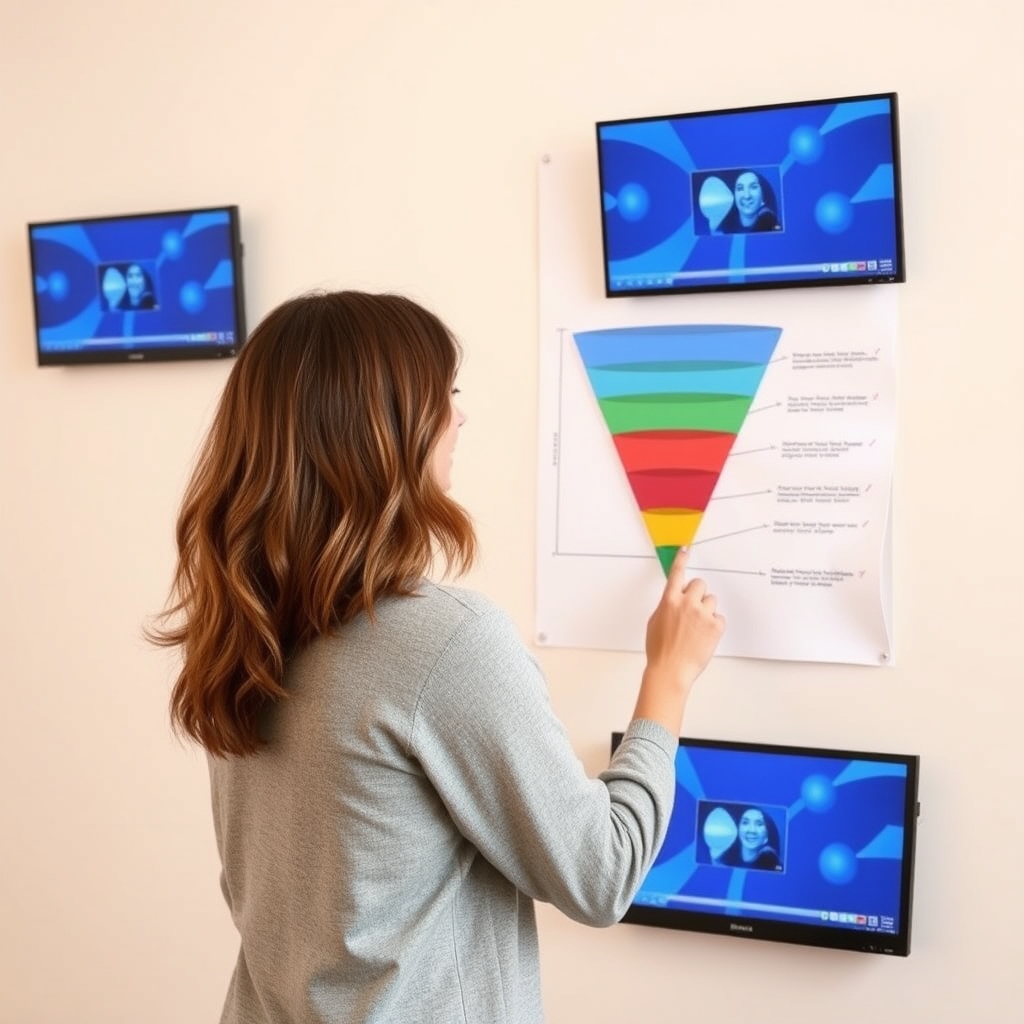
A sales funnel is just the path someone takes from "never heard of you" to "bought something." It usually has a few steps: a page that gets attention, a way to collect contact details, an offer, and a follow-up. That's it. Most first funnels fail because they're too complicated, not because they're too simple. This guide walks you through building one small, working funnel and tells you what to skip along the way.
Before you open any software
1. Pick one offer and one audience
Write one sentence: "I help [specific person] get [specific outcome] with [specific product or service]." If you can't finish it, the funnel will be vague too. Don't build for "everyone."
2. Choose your funnel shape
For a first funnel, pick one of these:
- Lead funnel: a free resource in exchange for an email address, followed by emails that lead to an offer. Good when your product costs more or needs explaining.
- Direct sales funnel: a sales page followed by checkout. Good for low-priced, easy-to-understand products, but it needs more existing trust or traffic that already wants what you sell.
- Booking funnel: a page that leads to a call or appointment. Common for services. If that's you, the Sales Funnel for Coaches: Setup Blueprint and the Best Software to Run It page covers it in more detail.
Selling a course? See Sales Funnel for Course Creators: Setup Blueprint and Platform Picks.
Build the funnel, step by step
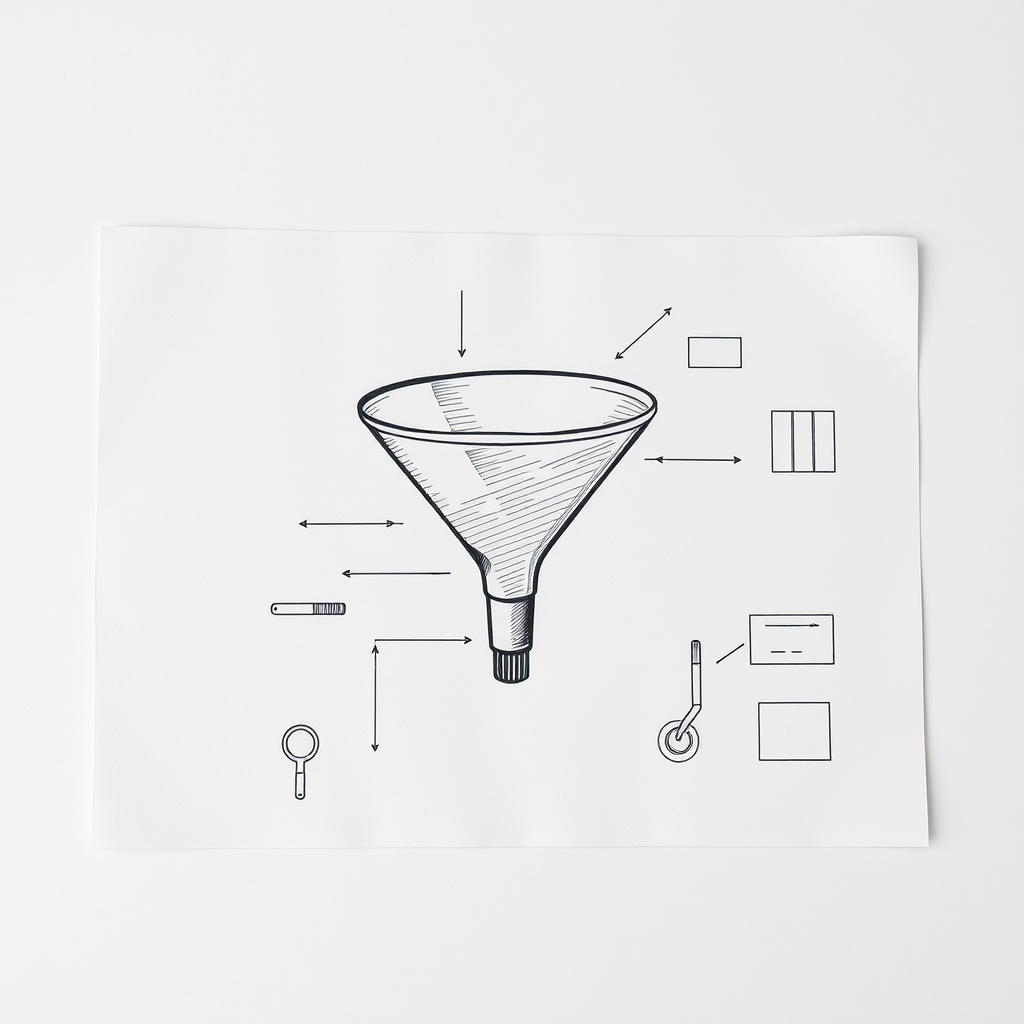
3. Map it on paper first
Sketch the pages as boxes with arrows. A basic lead funnel looks like this:
- Landing page (describes the free resource, has an email form)
- Thank-you page (confirms, and optionally shows your offer)
- Email sequence (three to five messages)
- Sales page or booking page
- Checkout or calendar, then a confirmation page
If your map has more than six boxes, cut some. You can add upsells and extras later, once the basics work.
4. Build the landing page
Keep it plain. You need a clear headline saying what the person gets, a few bullets on why it's useful, and one form. Remove the navigation menu, since extra links give people places to wander off. Skip the fancy animation and the five-section story. Clarity beats polish.
5. Make the offer page
Say what it is, who it's for, what's included, what it costs, and what happens after they buy. Answer the obvious objections honestly. If your product isn't right for some people, say so. It saves you refund requests and builds trust. Don't invent scarcity like fake countdown timers. People notice, and it can create legal trouble in some places.
6. Write the emails
Three emails is plenty to start: one delivering the resource and introducing yourself, one with a useful tip or story, and one making the offer plainly. Write like you talk. Include an unsubscribe link, which email laws in many regions require. If you're unsure about requirements where you or your audience live, check with a qualified professional.
7. Connect payments, domain, email and tracking
This is where first funnels most often stall. Do a test purchase and a test signup before showing anyone. Our Funnel Setup Launch Checklist: Domain, Payments, Email and Tracking lists everything to confirm.
 Recommended for youHow to Build a Funnel in Systeme.io on the Free Plan
Choosing software: honest tradeoffs
You can build a funnel with a dedicated funnel builder, an all-in-one marketing platform, or a patchwork of separate tools (page builder, email service, payment processor). Each has tradeoffs:
| Approach | Upside | Downside |
|---|---|---|
| All-in-one platform | Pages, email and payments in one login | Can feel crowded to learn; you depend on one vendor |
| Dedicated funnel builder | Focused on pages and flows | You may still need separate tools for some functions |
| Separate tools stitched together | Pick the best of each | More setup, more things to break |
Features and pricing change often, so confirm current details on each vendor's official site before you commit. If budget is tight, the How to Build a Funnel in Systeme.io on the Free Plan walkthrough shows one way to start cheaply, though you should check what the free plan currently includes. For side-by-side options, see our review and comparison pages, or browse Funnel Setup Tutorials & Use Cases.
Already built something elsewhere? Read Can you move a funnel from ClickFunnels to GoHighLevel? before assuming a migration is a quick export.
What to skip on your first funnel
- Upsells and order bumps. Add them after you have real sales data.
- Complex automation branches. One straight email sequence is enough.
- A/B testing. You need meaningful traffic for tests to tell you anything.
- Perfect design. A clear page that works beats a beautiful one that confuses.
Launch, then learn
Send a small amount of traffic first, even friends or existing contacts, and watch where people drop off. If few visit the landing page, the problem is traffic or the headline. If many visit but few sign up, the offer or form needs work. If people sign up but never buy, look at your emails and offer page. Change one thing at a time.
No funnel guarantees sales. Results depend on your offer, your audience, your traffic and plenty of things outside your control. The goal of a first funnel is a working system you can improve, not a perfect one.
Keep reading
 Funnel Setup Launch Checklist: Domain, Payments, Email and TrackingMost funnel launches don't fail because of the headline or the button color. They fail because the…
 Sales Funnel for Coaches: Setup Blueprint and the Best Software to Run ItA coaching funnel is a simple path: a stranger finds you, gets something useful, and either books a…
 Sales Funnel for Course Creators: Setup Blueprint and Platform PicksA course funnel is a short path that takes a stranger from "never heard of you" to "enrolled," usua…