
Systeme.io is an all-in-one marketing tool that bundles funnels, email, and a few other pieces in one login, and it advertises a free plan. This guide walks through building a basic funnel on that plan, what to skip at first, and where you may hit limits. Plans and limits change, so confirm what the free plan currently includes on the official Systeme.io pricing page before you commit your time. Nothing here is a promise of results; a funnel is a set of pages and emails, and what happens next depends on your offer and your traffic.
What you're building
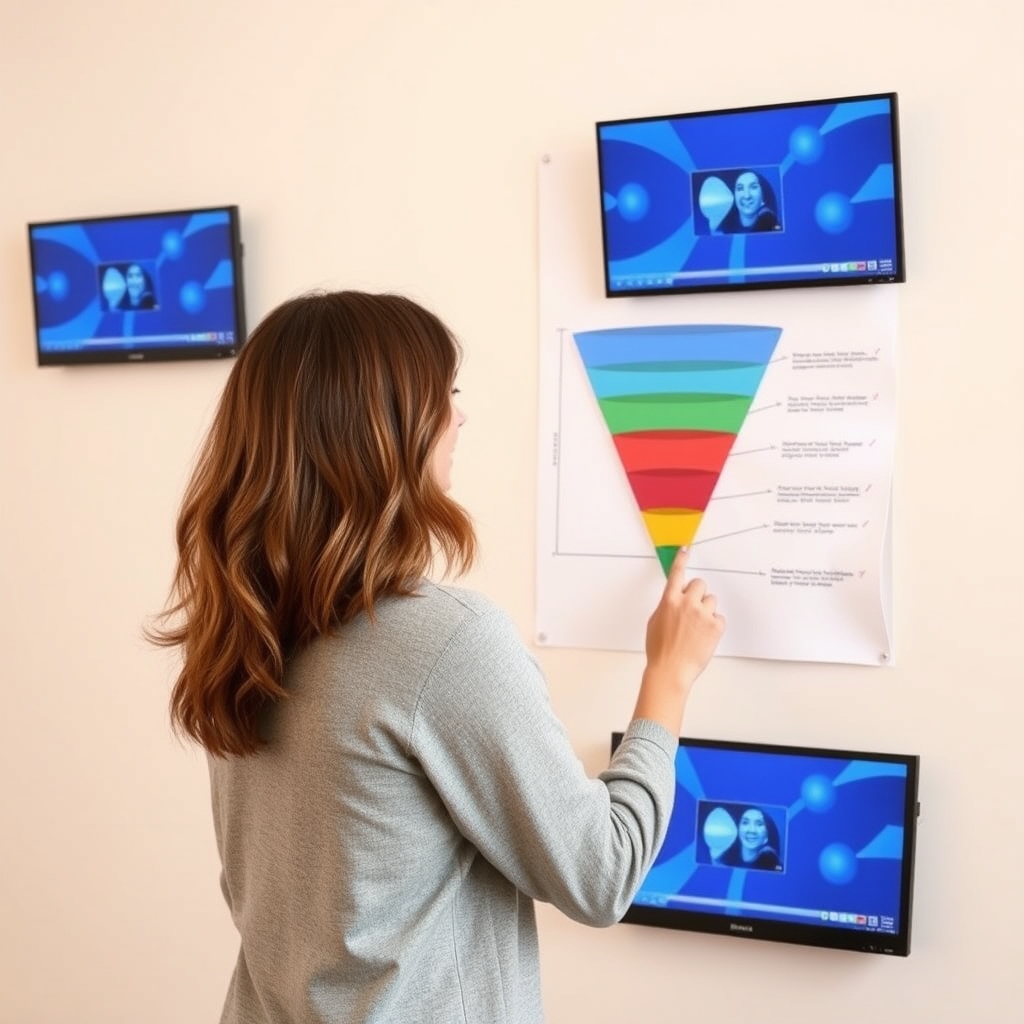
A funnel is a short sequence of pages that moves a visitor toward one action. For most small businesses on a free plan, the simplest useful version is this:
- Squeeze page: a page that offers something free (a guide, checklist, or short video) in exchange for an email address.
- Thank-you page: confirms the signup and tells people what happens next.
- Email follow-up: a few emails that deliver the freebie and introduce your paid offer.
That's it. Skip upsells, order bumps, and webinars until the basic version works. If you want the broader logic behind this, see How to Build Your First Sales Funnel: Step-by-Step Tutorial.
Before you open the software
Write down one offer and one action
Decide what the freebie is, who it's for, and what paid thing it leads to. If you can't say that in two sentences, building pages will just give you something pretty that doesn't do anything.
Gather your basics
- A short headline and three or four bullet benefits for the freebie
- The freebie file itself (a PDF is fine)
- Your logo and one or two images
- Drafts of three emails
Step-by-step: building the funnel
1. Create your account and check the limits
Sign up and look at the plan details inside the dashboard. Note any caps on funnels, pages, contacts, or emails, and whether features like custom domains are included on free. Don't rely on a blog post (including this one) for these; they change.
2. Start a new funnel
Choose the funnel type that matches your goal. For a lead magnet, pick the option built around collecting emails. Templates are a reasonable starting point, but expect to edit nearly everything. Templates often come with filler text and more sections than you need.
3. Edit the squeeze page
Keep it plain: a headline, a short list of what people get, and a form with as few fields as possible. Email alone is usually enough. Delete decorative sections. Every extra block is another reason to leave.
4. Connect the form to a tag or list
Set the form so new signups are tagged or added to a list. This is what lets the email sequence trigger later, so it's worth getting right before you test anything.
5. Build the thank-you page
Say thanks, tell people to check their inbox, and (if you like) link to one next step. Don't stack multiple offers here.
6. Write the email sequence
Use the built-in email tools to create a short automation: one email that delivers the freebie, one that shares something useful, and one that mentions your paid offer. Keep the tone like a real person writing to one reader. Check that you include an unsubscribe link and your business details, since email marketing rules differ by region. If you're unsure what applies to you, ask a qualified professional.
7. Test it like a stranger
Sign up with a personal address on your phone. Did the page load cleanly? Did the email arrive, and not in spam? Did the link work? Fix what's broken before sending traffic. Our Funnel Setup Launch Checklist: Domain, Payments, Email and Tracking covers the full pre-launch list.
 Recommended for youHow to Build Your First Sales Funnel: Step-by-Step Tutorial
What to skip on the free plan
- Complex automations. A three-email sequence is plenty at first.
- Multi-step upsell flows. You need traffic and a proven offer first.
- Heavy design tweaking. Clear copy beats fancy layouts.
- Selling before collecting emails. If payments are your goal, check the payment options and any plan restrictions before you plan around them.
Honest tradeoffs
An all-in-one tool saves you from stitching together separate services, which is a real advantage when you're starting out. The tradeoffs are usually these:
- Limits may push you to upgrade. That's normal for any free plan, but check where the ceilings sit before building around a feature.
- Design flexibility can feel narrower than with dedicated page builders.
- Moving later takes work. Pages and automations rarely transfer cleanly between tools. For a sense of how that goes, read Can you move a funnel from ClickFunnels to GoHighLevel?
Quick comparison: is free enough?
| Your situation | Free plan likely fits? | What to verify |
|---|---|---|
| Testing a lead magnet idea | Often yes | Contact and email limits |
| Selling one low-cost product | Maybe | Payment features and plan restrictions |
| Running on your own domain | Unclear | Custom domain availability |
| Scaling ads and large lists | Probably outgrown | Paid tiers and alternatives |
Where to go from here
Once your simple funnel runs, tailor it to your business. Coaches can look at Sales Funnel for Coaches: Setup Blueprint and the Best Software to Run It, and course sellers at Sales Funnel for Course Creators: Setup Blueprint and Platform Picks. If you're still deciding whether Systeme.io is the right tool, compare it against other platforms in our review and comparison pages before you invest more time. More walkthroughs live in Funnel Setup Tutorials & Use Cases.
Keep reading
 Funnel Setup Launch Checklist: Domain, Payments, Email and TrackingMost funnel launches don't fail because of the headline or the button color. They fail because the…
 Sales Funnel for Coaches: Setup Blueprint and the Best Software to Run ItA coaching funnel is a simple path: a stranger finds you, gets something useful, and either books a…
 Sales Funnel for Course Creators: Setup Blueprint and Platform PicksA course funnel is a short path that takes a stranger from "never heard of you" to "enrolled," usua…